
bash
Executes shell commands in the current working directory, strips ANSI output, reports the exit code, and writes very large results to a temporary file after a short preview.
Lightning fast coding agent for your terminal.
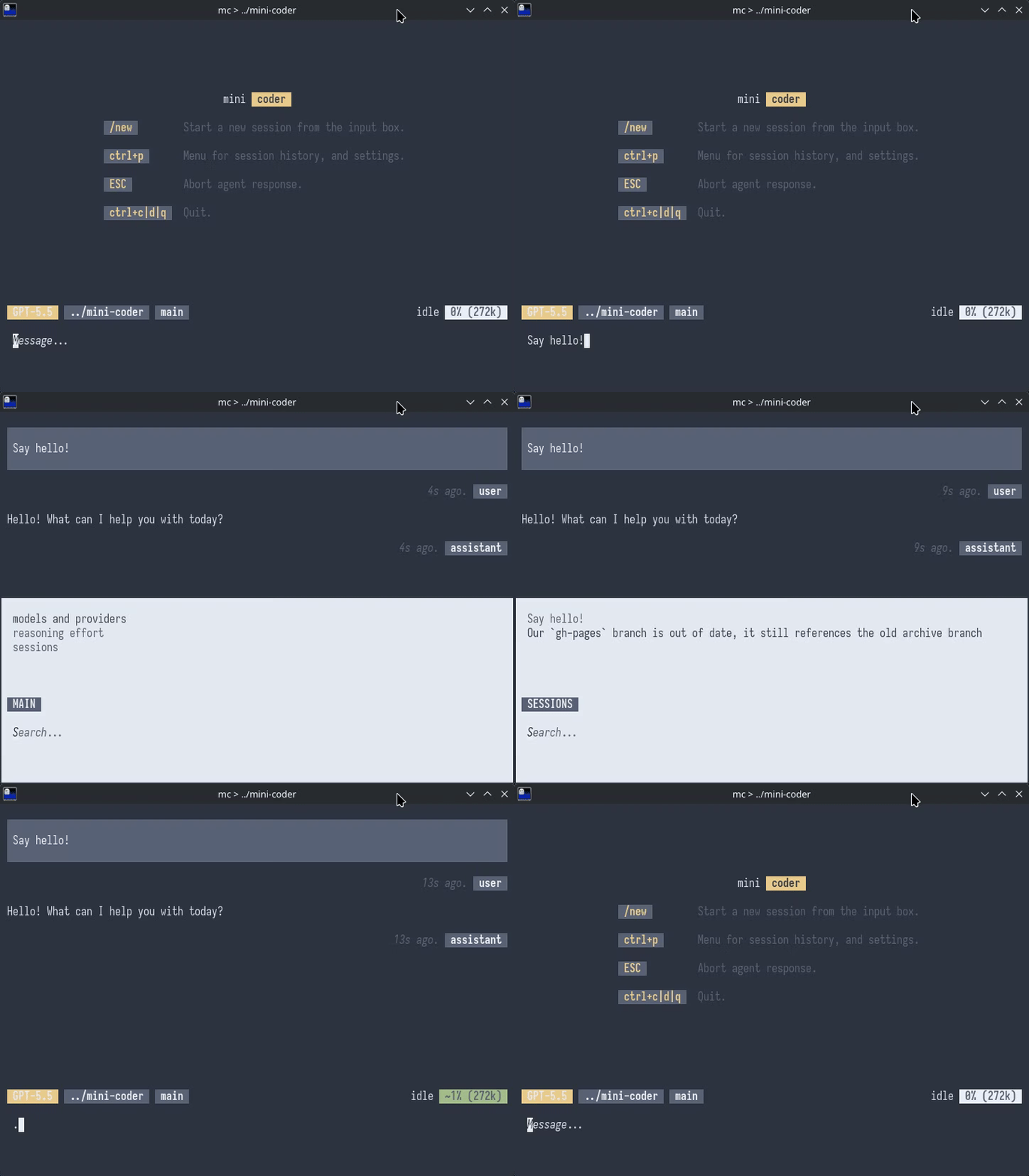
mini-coder (mc) is a terminal coding agent. The current
main branch is a Bun/TypeScript implementation focused on
reading files, running shell commands, editing code, and writing new
files with a small core tool surface.
~/.config/mini-coder/.
The current built-in runtime tools are intentionally small. Multi-step
work is delegated to task; direct bash and
edit calls remain available for immediate actions.
Executes shell commands in the current working directory, strips ANSI output, reports the exit code, and writes very large results to a temporary file after a short preview.
Performs exact-text replacement in one file, creates new files
when oldText is empty, and refuses missing or
ambiguous matches.
Runs a bounded subagent with the same model and prompt context for exploration or implementation work that needs more than one direct tool call.
The TUI is a scrollable conversation log with markdown rendering, tool call blocks, a multiline input, and status pills for model, working directory, git branch, activity, and context usage.
:q exits; :n or /new
starts a fresh session.
Global settings live in
~/.config/mini-coder/settings.json. The current schema
stores provider, model,
effort, and optional customProviders entries
using the pi-ai model shape.
--login for OAuth-capable providers, and accepts
--provider, --model, and
--effort overrides.
~/.config/mini-coder/sessions/ and listed only for the
working directory they came from.
~/.agents/AGENTS.md and local ./AGENTS.md
content when present.
~/.agents/skills/*/SKILL.md and
./.agents/skills/*/SKILL.md and added to the prompt.
For non-interactive use, pass a prompt with -p or
--prompt. Headless mode uses the same core agent loop and
tools, then writes completed user, assistant, and tool-result messages
as JSON lines.
$ mc -p "summarize this repo"
$ mc --provider openai-codex --model gpt-5.5 --effort xhigh -p "fix the failing tests"
mini-coder uses
pi-ai
for provider support and streaming, and
cel-tui for the
terminal UI. The page is static HTML and intentionally stays close to
the current main branch behavior.