cel-tui
cel-tui
A TypeScript TUI framework built around a declarative functional API, ultra-fast rendering, and Kitty-first keyboard input that also works well in tmux.
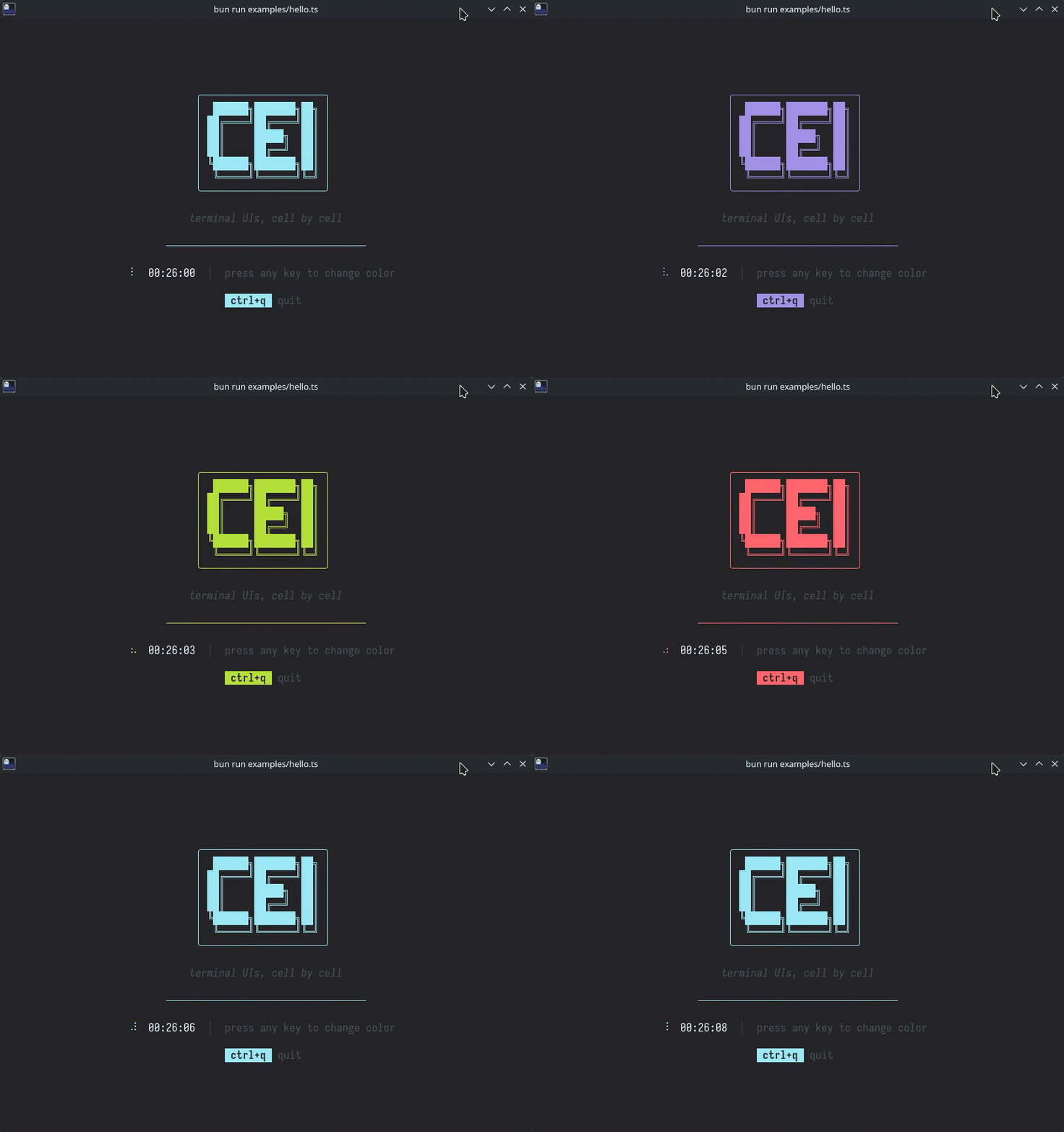
Why "cel"?
A cel is the smallest unit of a terminal display — a single character cell. Start from the smallest meaningful unit and build up, with nothing wasted.
Quick Example
import { cel, VStack, Text, TextInput, ProcessTerminal } from "@cel-tui/core";
let input = "";
cel.init(new ProcessTerminal());
cel.viewport(() =>
VStack(
{
height: "100%",
onKeyPress: (key) => {
if (key === "ctrl+q") {
cel.stop();
process.exit();
}
},
},
[
Text("Hello, cel-tui!", { bold: true, fgColor: "color06" }),
Text("─", { repeat: "fill", fgColor: "color08" }),
TextInput({
flex: 1,
value: input,
onChange: (v) => {
input = v;
cel.render();
},
}),
],
),
);
Primitives
| Primitive | Description |
|---|---|
VStack(props, children) |
Vertical stack — top to bottom |
HStack(props, children) |
Horizontal stack — left to right |
Text(content, props?) |
Styled text leaf |
TextInput(props) |
Multi-line editable text container |
Key Concepts
- State is external — the framework renders what you give it. Use any state approach.
cel.viewport(() => tree)sets the render function,cel.render()triggers re-renders.- Flexbox layout — fixed, flex, percentage, and intrinsic sizing with gap, padding, alignment.
- Layers — return an array for multi-layer compositing (modals, overlays).
- Uncontrolled by default — focus and scroll just work. Opt into controlled mode when needed.
- Adaptive wheel scrolling — scrollables and TextInput use an adaptive mouse-wheel step by default; override it with
scrollStepwhen needed. - Content measurement helper —
measureContentHeight(node, { width })lets apps preserve scroll anchors when prepending intrinsically sized content. - Terminal title helper —
cel.setTitle("My App")updates the window/tab title when the host honors OSC titles. - Style inheritance — containers propagate styles to descendants.
bgColorfills the rect. - 16-color palette — numbered slots (
"color00"–"color15") mapped to ANSI 16 by default. Custom themes can remap to different ANSI indices or 24-bit true color. - Cell buffer rendering — styled cells, differential updates, synchronized output.
- Kitty-first keyboard input — cel-tui enables Kitty level 1 for full modifier fidelity, works well in
tmuxwithset -s extended-keys on, and accepts recoverable legacy encodings when the host does not preserve a pure Kitty stream. - TextInput editing shortcuts — focused inputs support familiar readline-style editing (
ctrl+a/e,alt+b/f,ctrl+left/right,ctrl+w,alt+d), andup/downfollow visual wrapped lines.
Terminal Compatibility
- First-class: Kitty-compatible terminals such as Kitty, WezTerm, Ghostty, foot, Alacritty, and Windows Terminal
- First-class:
tmuxwithset -s extended-keys on - Best effort: legacy terminals or multiplexers that collapse some modifier distinctions
Some historical legacy collisions remain impossible to recover once a host has already collapsed them — for example ctrl+i vs tab, ctrl+m vs enter, and ctrl+[ vs escape.
Packages
| Package | Description |
|---|---|
@cel-tui/types |
Shared type definitions |
@cel-tui/core |
Framework engine and primitives |
@cel-tui/components |
Pre-made components (Button, Spacer, Divider, VDivider, Select, Markdown, SyntaxHighlight) |
Documentation
- API Reference — full TypeDoc-generated docs on GitHub Pages
- Specification — complete design spec covering layout, rendering, input, and focus
- Agent Skill — structured guide for AI coding agents to build apps with cel-tui
Performance
cel-tui ships a benchmark suite covering every pipeline stage (layout, paint, cell buffer, ANSI emission, hit testing, key parsing). On a comparable tree, the full end-to-end render completes in ~65 µs — around 15,000 renders/sec. See benchmarks/RESULTS.md for detailed numbers and an Ink comparison.
bun run bench # run all benchmarks
Development
bun install # install dependencies
bun test # run tests
bun run bench # run benchmarks
bun run check # biome lint
bun run format # prettier check
bun run typecheck # tsc --noEmit
bun run docs # generate API docs
License
MIT